How to Automate Your Business Workflows Without Writing Code
A non-technical guide to using modern no-code automation platforms like Zapier, Make, and n8n to sync data, send notifications, and save hours of manual work.
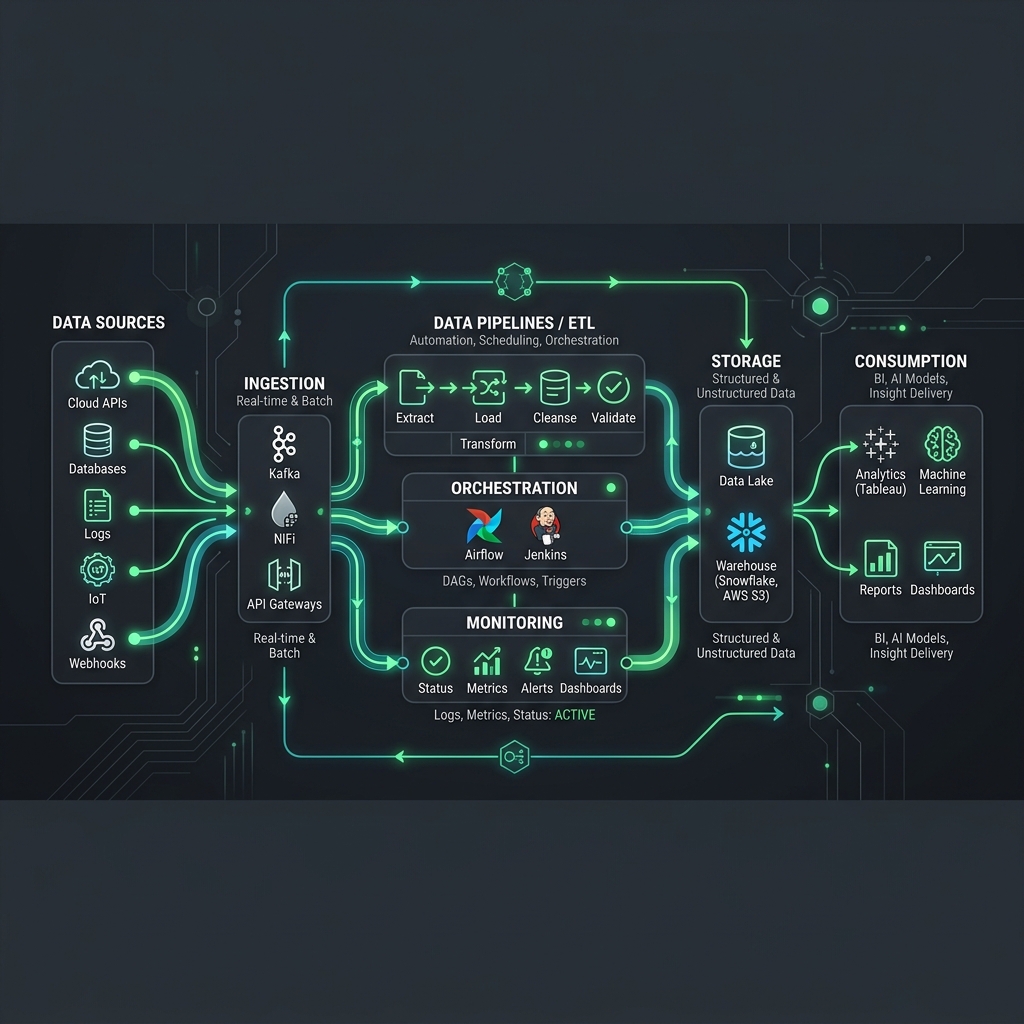
You don't need a computer science degree to start automating your business workflows. Modern drag-and-drop integration tools make it easy for any non-technical business owner to link their software tools and automate repetitive tasks.
1. Identifying What to Automate
Look for tasks that follow the "Rule of Three": tasks that are done more than three times a day, take more than three minutes to execute, and are highly repetitive. Typical targets include copying lead data from forms into a CRM, sending Slack notifications on new payments, and scheduling calendar bookings automatically.
2. Choosing the Right No-Code Platform
Different tools serve different business needs:
- Zapier: The easiest platform. It connects to 5,000+ apps, utilizes simple triggers and actions, and has an active support community. However, multi-step zaps can get expensive quickly.
- Make.com: More visual and powerful than Zapier. Great for complex branching logic, looping arrays, and parsing data objects. Priced by operation count, which is often cheaper than Zapier's multi-step tier.
- n8n: An open-source alternative. It offers visual node mapping and can be hosted locally or self-hosted for free, giving you complete data privacy.
3. Mapping Your First Automation Workflow
Start small. Create a two-step workflow: a **Trigger** (e.g., "New invoice paid in Stripe") and an **Action** (e.g., "Send thank you message to customer via Email/SMS"). Once you verify it runs smoothly, you can add more branches, such as updating your CRM data and notifying the internal sales squad.